

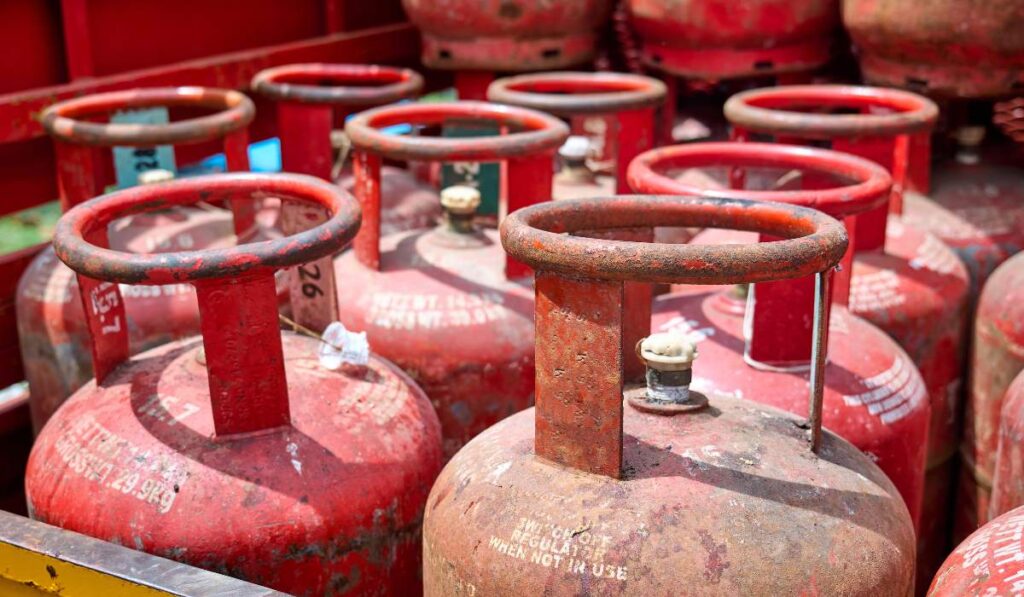
Indane is a domestic LPG brand in India, owned by Indian Oil, and its gas connections began in 1965 in Kolkata. This LPG connection serves more than 130 million households in India and has over 12,500 distributors across the country. At the same time, you might have heard that every second LPG cooking gas connection in India is an Indane connection, and you are also wondering how to apply for a new LPG connection. To get an Indane gas connection, you need to start from their official website. However, knowing the documentation requirements, how to check the application status, and how to complete the Indane gas online registration for a new connection will help you have a hassle-free experience. So, let’s keep reading!
Also Read: How To Get A New Gas Connection: Online And Offline Modes
Documents Required for Indane Gas Booking
You will find four types of Indane LPG connections: 47.5 litres, 19 litres, 5 litres, and 14.2 litres. When applying for a new connection, you need to go through Indane gas KYC. For this process, you need to submit a list of documents. If you are booking Indane gas online, you need to attach the documents to the website. On the other hand, you need to visit the distributor’s office to apply. Here are the documents required for Indane gas new connections:
For Identity Proof
1. Voter ID
2. Adhaar
3. PAN card
4. Driving license
5. Passport
Also Read: Different Types Of LPG Cylinders In India And LPG Gas Price
For Address Proof
1. Bank statement or credit card statement
2. Driving license
3. Adhaar card
4. LIC policy
5. Lease agreement
6. Ration card
7. Water or electricity bill
8. House registration document
9. Passport
10. Flat possession letter
How to Apply for Indane Gas New Connection Online
Indian Oil Gas has launched a convenient service, SAHAJ Indane New Gas Connection, for anyone who wants to apply for an LPG connection online. Here’s how you can apply for an Indane gas connection online:
1. You need to apply for an Indane gas connection by going through the KYC process. For Indane gas KYC, you need to submit your proof of address and income documents.
2. Indane Gas performs an online check to verify the KYC documents and remove any duplicate entries.
3. If the application passes this check, the system adds you to a waitlist.
4. After verifying the KYC details against the submitted POA and POI, the waitlist is forwarded to the respective distributors.
5. You will get a notification via email and SMS to continue the process, choose the equipment, and select a suitable payment option.
6. You can make the payment online using a debit card, credit card, or net banking.
Alternatively, you may pay at the distributor’s office while getting an Indane gas connection.
Also Read: HP Gas Connection vs Indane Gas Connection: Which Is Better?
How to Get an Indane Gas New Connection Offline
You can also apply for an Indane Gas connection offline by visiting the nearest distributor. Follow the steps below to get a new Indane Gas connection through your local Indane distributor.
1. Locate Your Nearest Indane Gas Distributor
You can find the nearest distributor by searching on the Indane LPG portal. You may also contact the Indane Gas booking number (1800-2333-555) to get distributor details.
2. Submit the Required Documents
Visit the distributor’s office and submit a filled-in application form. Then you need to provide your KYC documents, such as Proof of Address and Proof of Identity. Attach two photographs and proof of subsidy eligibility, if applicable.
3. Receive Confirmation
After checking your documents, the distributor will send a confirmation by SMS or email for your Indane Gas connection request. You can also track your application status on the Indane LPG portal. This is the same platform used for Indane Gas booking and other related services.
Also Read: How To Apply For HP Gas New Connection Online & Offline
How to Check Indane Cylinder Booking Status
- Click the link provided to check the application status of your Indane Gas new connection.
- Enter your reference number, date of birth, and the security code.
- Click “Check Status” to view the current status of your Indane Gas connection request.
How to Cancel Your Application for Indane Gas Booking
- Cancel your Indane gas booking by clicking on the link mentioned on the official website.
- You will find “Cancel Application Request.”
- Follow the instructions to cancel the Indane gas connection application.
Also Read: How To Transfer Gas Connection: A Complete Guide For You
Can I Transfer an Indane Gas Booking?
1. Transfer Within the Same Distributor’s Area
- Inform your distributor about your new address.
- Provide valid proof of address for verification.
- Your Indane Gas connection will be shifted to the updated location.
2. Transfer Within the Same Town but to a Different Distributor
- Submit your Subscription Voucher (SV) to your current distributor.
- The distributor will issue a Transfer Termination Voucher (TTV).
- Visit the new distributor with your TTV, Domestic Gas Consumer Card (DGCC), and proof of your new address.
- The new distributor will update your details in the DGCC and help you move the equipment to your new home.
3. Transfer to Another Town
- Return your equipment, Subscription Voucher (SV) or Transfer Subscription Voucher (TSV), DGCC, cylinder, pressure regulator, and proof of your new address to the current distributor.
- The distributor will issue a Termination Voucher with your updated address.
- After moving, place a request for a new Indane Gas connection at your new location.
- Collect your Indane cylinder and accessories from the local Indane centre.
Also Read: Induction Cooktop vs LPG: Which One Is A Better Option?
Indane Gas Booking Through SMS
You can book a refill easily by sending an SMS. Type IOC and send it to the IVRS number assigned to your region.
Indane Gas Booking Using the Mobile App
Indane offers a mobile app for both Android and iOS users.
- You can download the app and request a refill cylinder, or even ask for a second one.
- Simply enter your consumer number, your distributor’s details, and your contact information to apply for an Indane gas connection online.
Applying for an Indane Gas connection is simple, whether you choose to apply online or visit a distributor’s office. By keeping the documents ready and following the guidelines, you can complete the Indane gas booking without any hassles. You can use the mobile app, send an SMS, or visit the official website to book the gas connection at your convenience.
Also Read: Is Cooking On Induction Cooktop Cheaper Than LPG?
Waiting on Your Gas Connection? Rent an Induction!
While it is easy to get a new gas connection, you may face unexpected delays with the delivery of the new cylinders. You can get an induction on rent because having a backup option saves you from the stress. Cooking on induction is fast, economical, and safe. Plus, you do not have to worry about the refills or work on the paperwork. Rentomojo offers a variety of inductions on rent, helping you choose the one suited to your cooking style. So, check out Rentomojo today!
Frequently Asked Questions
1. How to open an Indane gas connection?
You can open an Indane gas connection by completing the Indane gas online registration for a new connection on the official website. After completing the KYC form and uploading your documents, you can track your request on the Indane gas booking status page. If you prefer offline methods, you can also visit the nearest distributor.
2. How many days does it take to get an Indane Gas new connection?
After you submit your documents through the distributor or complete the Indane gas online registration for a new connection, the verification usually takes 3–7 working days. The time may vary based on your location and distributor workload. You can check progress anytime through the Indane gas booking status feature.
3. How much is a gas cylinder deposit?
The cylinder deposit depends on your city and the type of cylinder you choose. For many regions, the deposit for a 14.2 kg cylinder ranges from ₹1,150 to ₹1,750, while the regulator deposit is usually around ₹150–₹200.
4. Can I get a gas connection without local address proof?
Yes, it is possible in many cases. If you don’t have local address proof, you can submit alternative documents such as a rental agreement, an employer certificate, or a valid declaration, depending on your distributor. When registering for a new Indane gas connection online, you can view the full list of accepted documents.
5. Can I book Indane gas without registering?
Yes, you can book a refill without completing full online registration by using SMS or the IVRS system. However, completing your Indane gas online booking registration makes the process much easier and gives you access to features like payment history.