

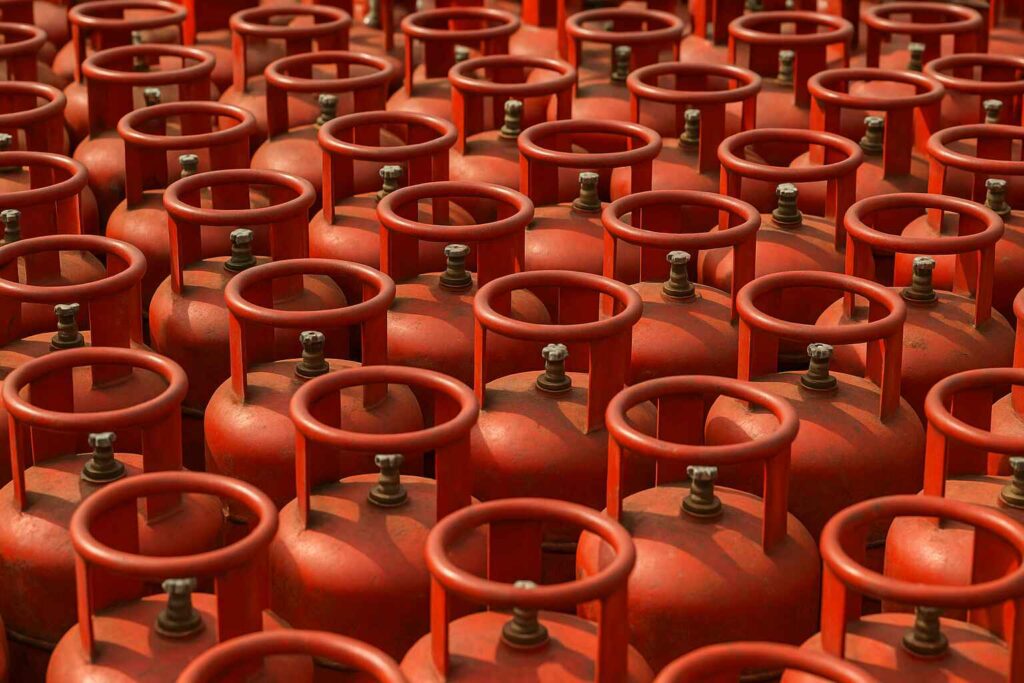
Launched by Hindustan Petroleum Corporation Limited, HP is a major LPG provider in India. With more than 6,200 distributors across India, you can apply for HP gas booking online and offline. HP Gas online booking can be done through the website; on the other hand, you can apply for a new connection via WhatsApp and at the distributor’s office. Moreover, HP Gas KYC is an easy process that prevents duplication of your LPG connection. However, we understand that applying for a HP Gas new connection can be a challenge for first-timers. Here, we will tell you all about how to apply for a new HP Gas booking online and offline. Let’s take a look below!
Also Read: How To Get A New Gas Connection: Online And Offline Modes
Documents Required for HP Gas Booking for New Connection
While applying for an HP Gas new connection, you need to fill out a form. The HP gas registration process requires you to submit a few documents, which will help you with the verification process. Here’s what you need to submit:
Proof of Address Documents for HP Gas Connection
1. Passport
2. Driver’s licence
3. Home registration documents
4. Bank statement
5. Lease agreement
6. Aadhaar Card
7. Telephone/water/electricity bills
8. Flat/apartment possession letter
9. LIC policy
10. Voter identity card
11. Ration card
12. Declaration of the applicant’s address by a Gazetted officer
Proof of Identity Documents for HP Gas
1. Aadhaar card
2. Driving licence
3. Passport
4. PAN card
5. Voter ID
6. ID proof issued by the State or Central Government
Also Read: Different Types Of LPG Cylinders In India And LPG Gas Price
How to Apply for HP Gas New Connection Online
When you need to apply for a new HP Gas connection online, it’s a simple process. The service is available both online and offline. Here’s how you can apply for a new HP LPG gas connection:
1. You need to visit https://www.hindustanpetroleum.com/ to start with the HP Gas online registration.
2. Go to the HP Gas website and select the “LPG (HP Gas)” tab.
3. Click on “Apply Online” to start the registration process.
4. Enter your Distributor Name. If you do not know it, use the Dealer Locator link in the Quick Links section.
5. After selecting your distributor, you will be taken to the online application form. Fill in all the required details and click “Submit.”
6. Upload your KYC documents, including proof of identity, proof of address, and a passport-size photo.
7. Choose your preferred payment method—debit card, credit card, or net banking.
8. You will receive a confirmation message along with your login details.
Then you need to visit www.myhpgas.in, sign in to your account, and select the service you need— register yourself, book a cylinder, or apply subsidy for your HP Gas new connection.
Also Read: How To Apply For Indane Gas Connection Online & Offline
How to Apply for HP Gas Offline Registration for New Connection
You can easily book an HP Gas new connection offline by visiting a distributor. Here are the steps you need to follow:
1. Visit your nearest HP Gas distributor and collect the registration form. You can also download and print the form from the HP Gas website.
2. Fill in all the required details on the form.
3. Submit the completed form along with your KYC documents—a photograph, identity proof, and address proof.
4. Pay the registration fee using a debit card, credit card, net banking, or cash/cheque.
5. After payment, you will receive an acknowledgement and receipt. Once this is done, you can proceed to book your LPG cylinder.
How to Book for HP Gas Refill Offline
For Unregistered Users:
1. Call the IVRS number for your state or Union Territory if your phone number is not registered with HP Gas.
2. Choose your preferred language from the options given.
3. Enter your local HP Gas distributor’s landline number without the STD code.
4. Enter your customer number when asked.
5. Select the option to book a gas cylinder refill.
6. Note down the booking number provided by the system.
7. When asked if you want to register your phone number, press 1.
8. Once registered, this number will be used as your default number for future gas bookings.
Also Read: How To Apply For Bharat Gas Booking Online And Offline
For Registered Users
If your telephone or mobile number is already registered with HP Gas, simply call the IVRS number for your state or Union Territory.
1. Confirm your customer number when the system asks for it.
2. Select the option to book a gas cylinder refill.
3. The system will give you an order number. Make sure to note it down for future reference.
4. If you are calling from a mobile number, you will also receive an SMS with the order number.
5. Another SMS will be sent with the cylinder cost, whether it is subsidised or non-subsidised.
When booking an HP Gas connection, you do not have to worry about the process. Whether you choose SMS, WhatsApp, online booking, or visit the distributor, the steps are simple to follow. Once your number is registered, the process becomes even smoother, with instant confirmations and SMS updates.
Frequently Asked Questions
1. How to apply HP Gas new connection online?
You can apply for an HP Gas new connection online by visiting the official HP Gas portal. Select the “Apply Online” option, choose your distributor, fill in the application form, upload your KYC documents, and make the payment. After submitting the form, you will receive a confirmation message with your login details.
2. How to get HP Gas immediately?
If you need HP Gas quickly, visit the nearest HP Gas distributor with your ID and address proof. Many distributors provide a same-day or next-day connection if cylinders are available. You can also check the online portal to see if express service is offered in your area.
3. How many days does it take to get a new HP Gas connection near me?
A new HP Gas connection usually takes 1 to 7 days, depending on your location, distributor availability, and document verification. In metro areas, the process is often faster. In the rural areas, it may take slightly longer due to delivery schedules.
4. How much deposit for a gas cylinder?
The deposit amount for an LPG cylinder varies by state and cylinder type. For a standard 14.2 kg cylinder, the security deposit is usually between ₹1,450 and ₹2,000, while regulators also have a small security fee. Prices may change based on government updates or brand policies.
5. What details are needed for HP Gas booking?
For HP Gas booking, you need your customer number, registered phone number, distributor code, and delivery address. If booking online, you may also need your login ID. Once registered, you can book easily through IVRS, SMS, WhatsApp, the app, or the website.